A minor annoyance that bothered me for a long time
I’m a heavy Obsidian user, with thousands of notes sitting in my vault.
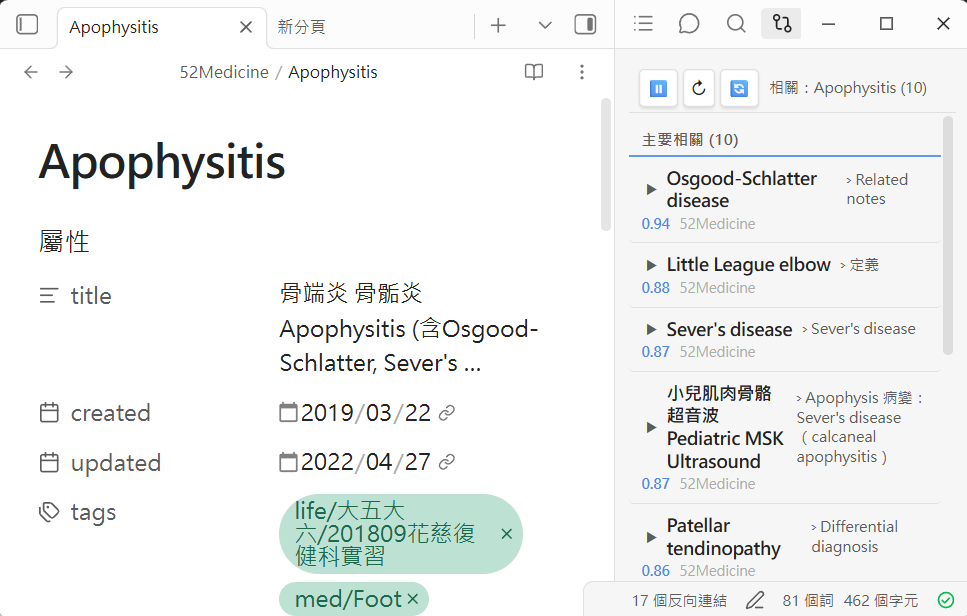
But there’s one really inconvenient thing: Obsidian’s built-in search only looks for the exact words you type.
The problem is, how would I remember what words I used back then for a note written three years ago? I’m thinking “how to manage a flaccid bladder,” but the note says Neurogenic Bladder → flaccid type → intermittent catheterization. The words don’t match, so the search returns a blank page. The worst part is, there were several times when I thought I hadn’t written about it, so I rewrote the whole thing, only to find out later that a more complete version had been lying there all along 😅
So I took some time to wire up a tool for my vault to “search notes by meaning”. I’ve used it for half a year, and now I’ve cleaned it up and open-sourced it.
The trio
It’s not one massive feature, but three small tools, each with its own job, sharing the same index.
🔍 Vault Search — Find the right paragraph with a single sentence
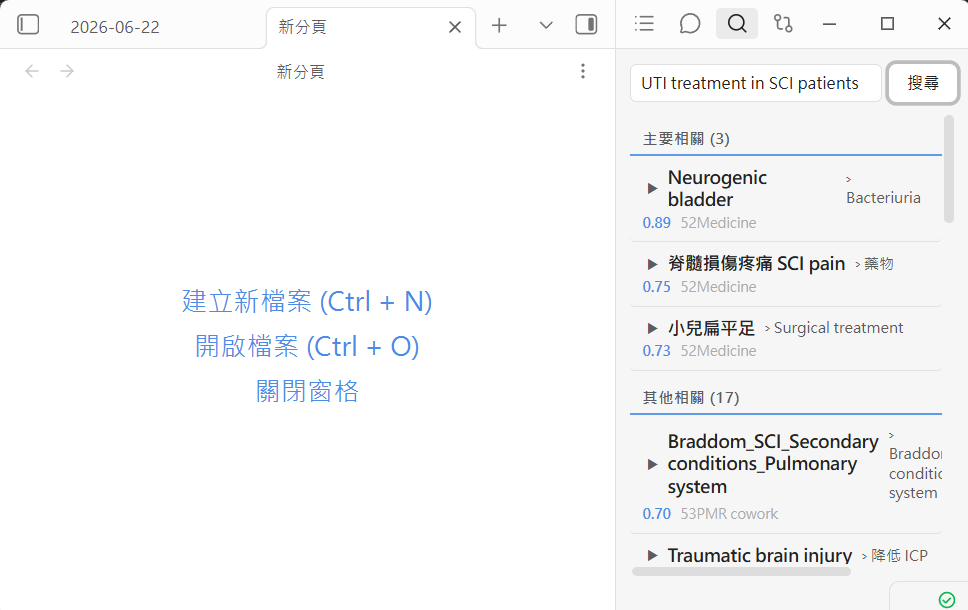
The core one. You ask a question in natural language, and it returns the note paragraphs that are closest in semantic meaning, instead of doing keyword matching.
If I type “how to manage flaccid bladder after spinal cord injury,” it pulls up the Neurogenic Bladder note directly, even if none of those Chinese characters appear in the note. It looks at the meaning, not the words.
The results are automatically split into two tiers: “Primary Matches” and “Other Matches.” They can also be collapsed and previewed, so you don’t have to click them open one by one.

🔗 Related Notes — Wire up the nerves for your notes
This is a sidebar that updates in real-time. When I read a note or select a chunk of text, it automatically pops up related notes on the side.
To me, this is a “surprise generator.” A lot of things “I completely forgot I wrote” just get connected this way. When I’m writing a new note, three to five old notes will pop up on the side reminding me “hey, you can actually link to this,” slowly weaving scattered cards into a net.
💬 Vault Chat — Chat directly with your own notes
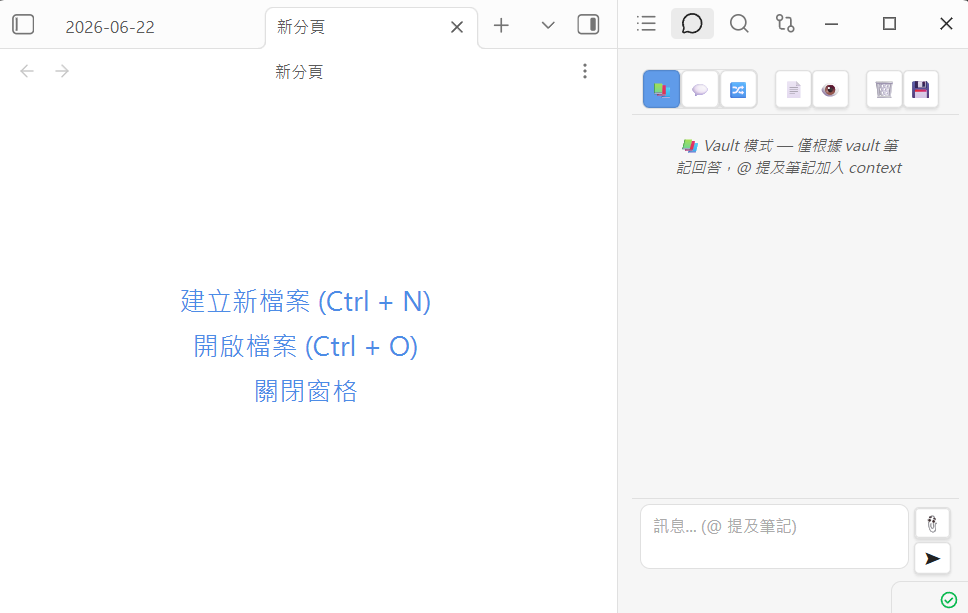
This is the familiar RAG: it searches for related notes first, then feeds the content to the AI to answer. But I deliberately designed three modes:
- Vault mode: Answers based on your notes only. You don’t have to worry about the AI making things up.
- Hybrid mode: Primarily uses your notes, supplementing with the AI’s own knowledge when insufficient, and clearly marks what is “supplemental.”
- Free mode: Doesn’t search notes; pure free chat, and it can also look up PubMed literature.
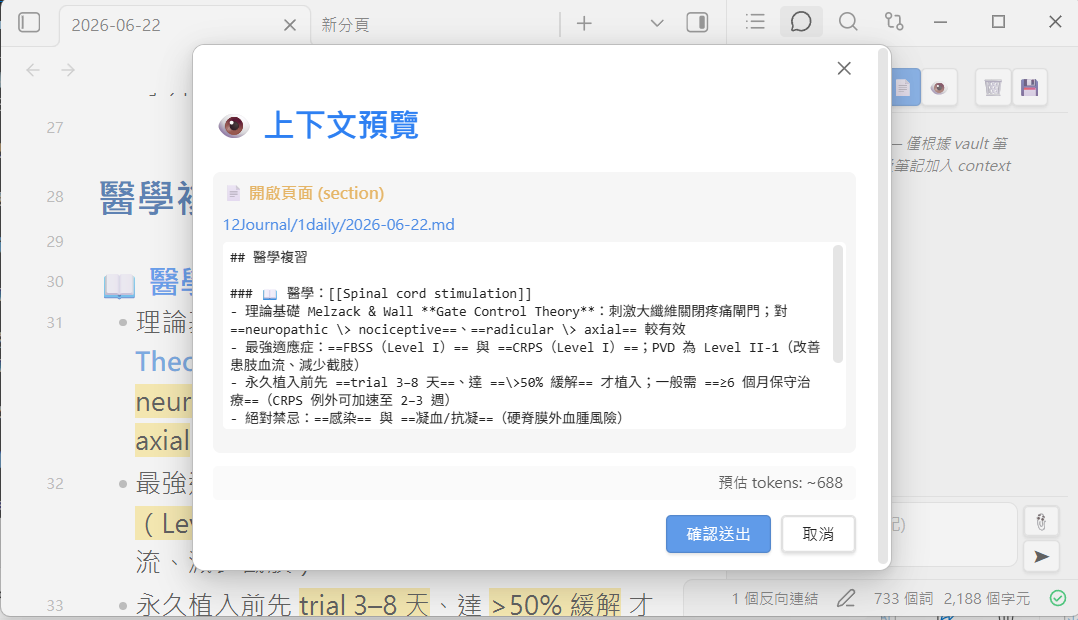
After every answer, it lists which notes were cited, which you can click open to verify with one tap. For fields like medicine where “wrong answers have consequences,” traceable sources are something I care about deeply.
Click on any citation, and you can also see the exact original note segment it fed to the AI. The entire chain of reasoning is laid out for inspection.
How it works (for the curious)
Simply put:
- An indexer program crawls the entire vault, chunks every note by heading, uses a local embedding model (
bge-m3, bilingual English-Chinese) to convert them into vectors, and stores them in LanceDB, a local vector database. After that, it’s all incremental updates—only modified notes are recalculated. - When searching, it converts your question into a vector, finds the closest paragraphs, and then re-weights them with a set of ranking logic (trusted folders get a boost, newer notes rank higher).
- A FastAPI service exposes these for the Obsidian plugin to use; there’s also an MCP server so coding agents like Claude Code can directly call “search my vault” as a tool.
Key point
The embeddings run entirely locally, so your notes never leave your computer during a search. For people keeping patient-related content or any notes they don’t want on the cloud, this is the bottom line.
Why I insist on “local-first”
This system was originally built around a home PC with a GPU that’s always on + a Claude subscription. But when I cleaned up the open-source version, I deliberately dismantled these “assumptions,” because most people won’t happen to have this exact setup. So:
- No GPU? Doesn’t matter.
bge-m3runs fine on a CPU. The initial indexing for a large vault will be slightly slower, but the search itself is instant. - No Claude subscription? Just use Vault mode for chat. The whole thing runs on a local model, zero cost.
- No always-on machine? Just spin up the server when you open Obsidian.
- Want to use it on your phone too? Run the server on a home PC or NAS, set an API key, and your phone can connect back to search your notes.
There’s a complete “adjust to your environment” mapping table in the README that spells out these alternatives clearly.
Who is this for
Even though I’m a physician and use it to study for exams, this tool is completely field-agnostic. A researcher’s paper repository, a lawyer’s statute notes, an engineer’s technical docs, or simply a personal wiki built up over years—as long as it’s a pile of markdown notes, it works.
Completely free, MIT-licensed, with full installation instructions in English and Chinese. If you also frequently “can’t search up notes you wrote yourself,” feel free to give it a try, and you’re welcome to join in making it better.
👉 GitHub: github.com/drpwchen/vault-search
If this tool saved you some time, you’re also welcome to buy me a boba tea to keep the servers spinning 🧡
—