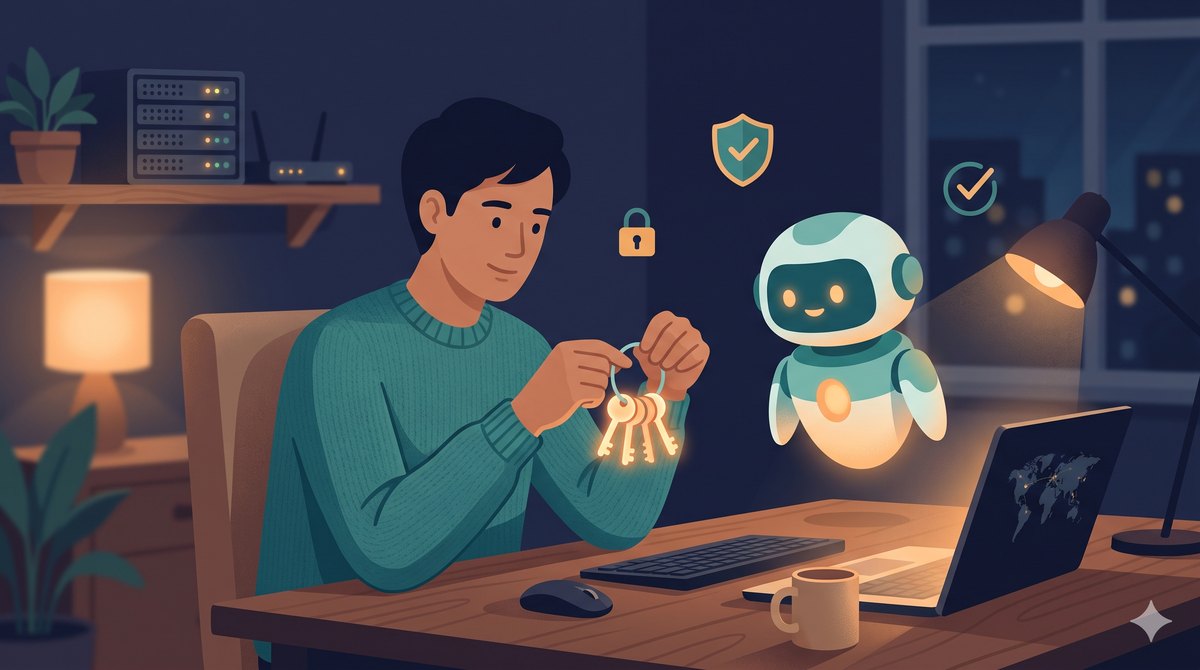
Lately I’ve been relying more and more on Claude Code to manage my digital life. From organizing my Obsidian notes to maintaining a bunch of self-hosted services at home (OpenWrt router, AdGuard Home, Synology NAS, Oracle cloud instance, Home Assistant), down to the various automations running themselves in the middle of the night, I hand almost everything over to it. He can do more and more, and I seriously thought about something the other day that I hadn’t thought through before: I’ve given an AI assistant that can read files on my computer, execute commands, and connect to the internet such vast permissions. If something goes wrong one day, how wrong could it go?
First things first: With such vast permissions, what could go wrong?
So I asked Claude to help me look into this from the ground up. We found that the risks of an AI assistant (agent) generally fall into a few categories:
- The lethal trifecta: Reading files, executing commands, connecting to the internet. These three are fine on their own, but put together, if the AI is tricked, it has the ability to read your secrets and send them out.
- Indirect prompt injection: In plain English, this is a malicious command hidden in a webpage or a file. When the AI helps you read data, it secretly tells the AI to do things you never asked it to do, like digging out your keys and sending them out.
- Conversations are kept: The things you casually paste into the chatbox are actually recorded somewhere.
- Magnified old problems: Keys scattered everywhere, permissions given too broadly, accidentally saving secrets into git.
My takeaway after looking this up is that these aren’t hypothetical academic risks, they are things that actually happen. Plus, with more and more friends around me starting to play with AI agents and self-hosted services, I figured I’d write down and share what I’ve found and done, hoping it helps those walking down the same path.
The checks and scans we did
With the direction set, Claude and I went through things one by one:
- Count exactly how many “keys” and tokens I had, and where they were scattered. I shouldn’t have counted; it was a bit embarrassing. Turns out it’s messier than I thought.
- Use a tool called gitleaks to scan the git history of my own notes vault and all my projects, checking if my hand ever slipped and committed a key.
- Lay out the “who can log into who” relationship across every host at home (in cybersecurity, this is called lateral movement, meaning whether an attacker can jump to the next machine after compromising one).
- Check the permission settings I gave the AI, and what was actually left in those past chat logs.
The problems we found, and how we patched them
This section feels a bit like a confession 😅, but I think honestly writing out the pitfalls is much more useful than pretending I did it right from the start.
Problem 1: An unlocked master key
I had an SSH (Secure Shell, for logging into hosts remotely) key that didn’t even have a password, and the same key could open almost all the hosts in my house. It was essentially an unlocked master key; whoever picked it up could open the whole house.
How we handled it: We added a passphrase to it, and used a mechanism called ssh-agent so I only have to type it once, and automations still run smoothly afterwards. It covers both security and convenience. Then we changed it from “one key opens the whole house” to “one key does only one thing” (this trick is called forced command, which specifies that logging in with this key can only execute a pre-set command, and cannot get a normal shell).
Problem 2: Passwords casually pasted into chats
Note
For convenience in the past, I had pasted tokens directly into the chatbox with the AI, so they were left in the local logs. For things that have “already leaked,” rather than chasing down copies one by one, the cleanest approach is to directly rotate the old key, issue a new one, and have the old one invalidated on the spot. All those copies out there become waste paper.
Problem 3: Two forgotten keys lying in my notes
This hit home the most this time. I used gitleaks to scan my note history and actually dug up two real keys I had casually jotted down years ago and had completely forgotten about. Turns out the biggest hole is often not some advanced attack, but “the past you who wanted convenience."
The fix is the same: remove and rotate. Then I installed an automated scan, so this kind of thing gets blocked before it enters git from now on.
Problem 4: Plaintext secrets and an unguardrailed AI
Some secrets were sitting in plaintext, and the permissions I gave the AI had no guardrails. We did three things: we moved the secrets into the OS’s built-in encrypted vault (called DPAPI on Windows, Keychain on Mac), set up a “no-read zone” for the AI, explicitly forbidding it from touching those keys and password files, and changed every token to only give “just enough” minimum permissions. That way, even if a key accidentally leaks, the damage it can cause is boxed in tightly.
By the way, this spring cleaning also dug up an old service I retired a long time ago but was still silently running. I casually turned it off and cleaned it up, freeing up a chunk of hard drive space. Unexpectedly healing 😄
A few takeaways I want to keep, beyond just getting the job done
Tools and commands will go out of date, but after this cleanup, there are a few mindsets I feel are more lasting, and these are what I really want to share:
- Treat the AI like a “highly capable new colleague who needs to be managed first.” Decide what the AI can’t do before deciding what it can do. I think this default of “limit first, authorize later” is what we need most in the AI agent era.
- Instead of chasing down every leaked copy, let the old stuff “fail all at once.” The power of rotating keys is that you don’t have to worry about which corners they were copied to.
- Convenience and security aren’t an either/or choice. Like adding a password to a key but using an agent to maintain the automation, that’s an example of me wanting both. Most of the time, if you’re willing to put in a little extra thought, you can have both.
- Security is a habit, not a one-time project. Finishing this time isn’t the end, but rather installing a few good habits and keeping them running from now on.
Finally, sharing a little knowing smile: you might notice that I haven’t posted what my home network looks like, which host is what, or what accounts I use in this entire post. The reason is exactly what this whole post is about 😆
Next time, I want to talk about how I save tokens (which really means saving money) when using AI. After all, using it like this every day adds up to a real expense 🤣. I’ll share it later~
(I’m not a cybersecurity pro, just a physician who loves self-hosted stuff sharing his own cleanup and reflections. If I got something wrong, corrections are welcome.)